Easily in AFAS Pocket
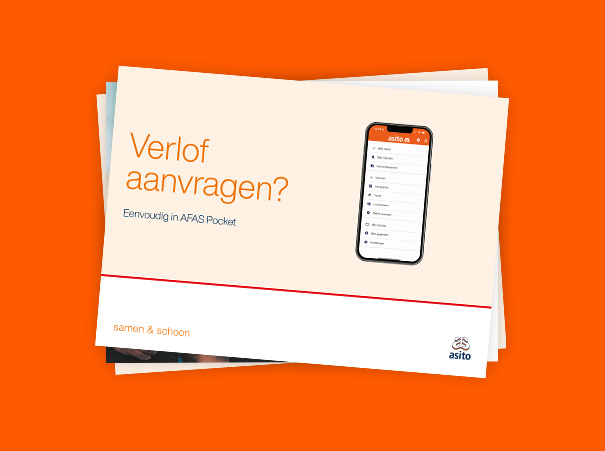
Requesting leave at Asito is easy with AFAS Pocket on your mobile phone or tablet. Watch the video, follow the steps below or download the help card.
Follow the steps below to request leave in AFAS Pocket. The example used here is 'Vacation leave direct.'
Note: Always discuss your vacation request with your manager before submitting it in AFAS Pocket.
Tap the + button.
Tap 'All'.
Tap 'Vacation leave direct'.
To request a full day off, toggle the switch next to 'Full day'.
Enter the first day of your leave under 'From'.
Enter the last day of your leave under 'Until'.
Check whether the leave hours are correct.If this is not correct, adjust the hours by pressing the pencil icon.
Note: You do not need to fill in anything under ‘Replacement’, your manager will arrange this.
Tap 'Send'.
Note: You can only withdraw or change your leave request via your manager.
Would you like to save these steps digitally or in print? Download the Dutch help card as a PDF here.
Need help with AFAS Pocket? Call the AFAS Pocket Helpline 0800 - 0250025, specially available for cleaners or supervisors at Asito. The helpline is open Monday to Friday, from 07:00 to 18:00.
Do you need help with AFAS Pocket? Look at the frequently asked questions on our help page or ask your manager for help.