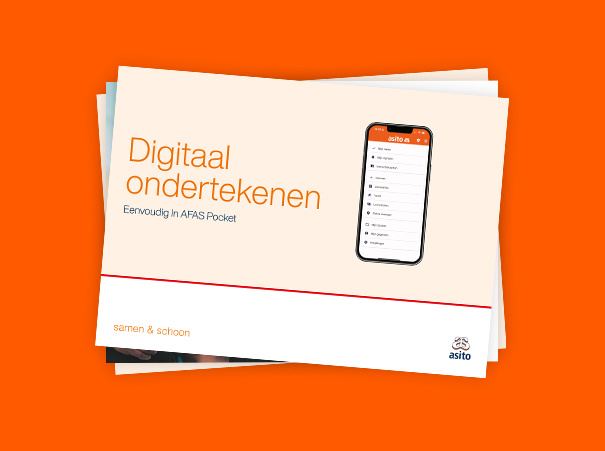
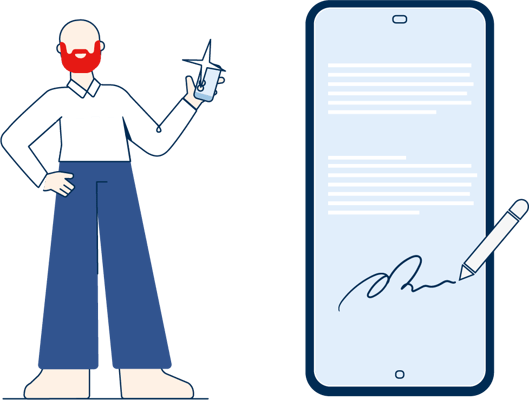
At Asito, you can digitally sign documents easily in AFAS Pocket on your mobile phone or tablet. Watch the video, follow the steps below, or download the help card.
Step-by-step instructions
Digital signing
Follow the steps below to sign digitally in AFAS Pocket.
What do you need?
To digitally sign documents, you need the following:
Mobile phone.
AFAS Pocket installed.
AFAS Pocket linked to Asito.
Step 1
Open the AFAS Pocket app.
Go to ‘My Tasks’.
Step 2
Select the task you want to view.
Tap on the dropdown to view the task details. op de taak die je wilt bekijken.
Step 3
Tap on the attachment.
Check if the attachment is correct.
Step 4
Scroll down.
Tap on the ‘Workflow Actions’ button.
Tap on ‘Approve & Sign’.
Step 5
A screen will appear explaining digital signing.
Tap the toggle to stop seeing this screen in the future.
Step 6
Tap ‘Next’.
A loading screen will appear.
Step 7
You will receive an SMS code.
Enter the SMS code.
Step 8
If ‘Success’ is displayed on the screen, then the digital signing process has been successfully completed.
Help card
Digital signing
Would you like to save these steps digitally or in print? Download the Dutch help card as a PDF here.
Need help with AFAS Pocket? Call the AFAS Pocket Helpline 0800 - 0250025, specially available for cleaners or supervisors at Asito. The helpline is open Monday to Friday, from 07:00 to 18:00.
Heb je na het bekijken van de video en/of instructiekaart een vraag en staat deze niet bij de onderstaande veelgestelde vragen? Vraag je leidinggevende om hulp of neem contact op met de helpdesk.
Hoe weet ik of mijn verlofaanvraag is goedgekeurd?
Je krijgt een melding in de AFAS Pocket app in je takenbak. Ga naar de pagina ‘Verlofaanvraag bekijken’ om de instructievideo te bekijken. De instructie is in meerdere talen beschikbaar.
Hoe kan ik mijn verlofaanvraag aanpassen of intrekken?
Je leidinggevende kan dit voor je regelen. Neem met hen contact op bijvoorbeeld via WhatsApp om dit te regelen.
Waar zie ik mijn verlofsaldo in AFAS Pocket?
Je verlofsaldo staat in de AFAS Pocket app onder het tabblad ‘Verlof’. Ga naar de pagina ‘verlofsaldo bekijken’ om de instructievideo te bekijken. Op je loonstrook zie je hoe je verlofuren zijn opgebouwd. De instructie is in meerdere talen beschikbaar.
Waarom is mijn verlofsaldo in de AFAS Pocket app anders is dan in de Werk@Asito app?
Tot en met 20 januari 2025 is het saldo hetzelfde in de Werk@Asito app en AFAS Pocket in beide apps gelijk. Vanaf 21 januari 2025 is het saldo anders doordat je alweer verlof hebt opgebouwd en/of hebt opgenomen.
For questions and support
Help with AFAS Pocket
Do you need help with AFAS Pocket? Look at the frequently asked questions on our help page or ask your manager for help.